

Magazine
The allure of vinyl remains as strong as ever: its warm, analog sound and the tactile experience make records something special. But you don’t always have your turntable handy—for example, when you’re on the go or working out. The solution: Digitize your favorite albums and enjoy them anywhere, while also preserving your valuable records for the future.
Why should you digitize your records?
There are several good reasons to digitize your record collection. For one thing, it helps protect rare or out-of-print recordings from being lost—since records are fragile and can be damaged by frequent playback, scratches, or improper storage.A digital copy preserves the sound in its current state for eternity.
In addition, digitization offersmaximum flexibility: You can listen to your favorite songs on your smartphone, in the car, or while jogging. This is also especially convenient for creating personal playlists or sharing music with friends and family.
It is important to note thatthe recorded music is intended solely for personal use. Any use beyond this is subject to the permission of the copyright holders. This also includes uploading to social media or streaming platforms.
What you need to digitize your records
You don't need expensive studio equipment to digitize your records. With the right basic equipment, the transfer is straightforward:
Record player with USB connection
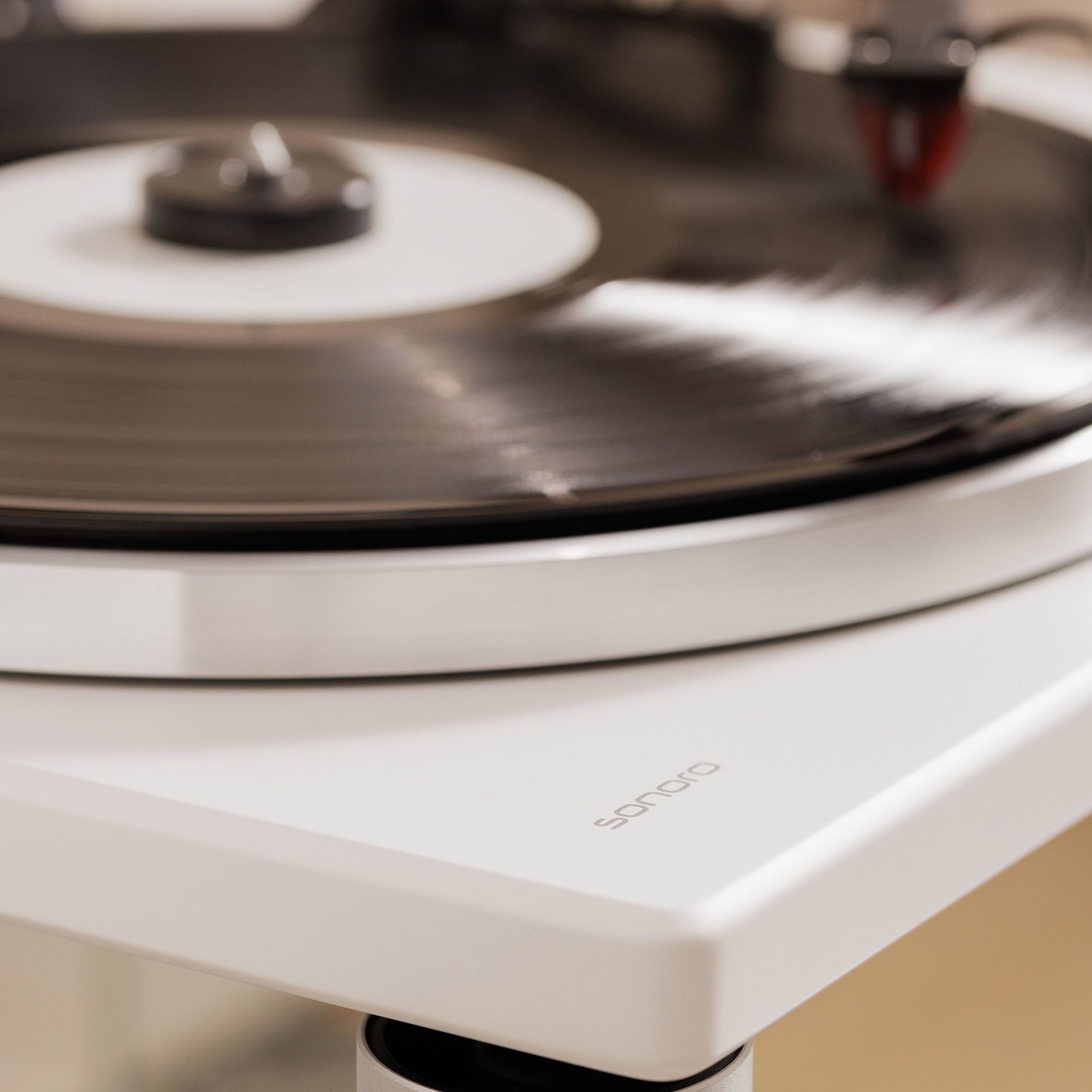
The heart of your digitization project is a record player with an integrated USB output. Modern devices have a USB port (type B) that can be connected directly to your computer.
Computer
A standard Windows PC or Mac is perfectly adequate. Most modern turntables work with standard drivers so that your computer automatically recognizes the device as a USB Audio CODEC and you do not need to install any special drivers.
Recording software
You will need audio software for the actual recording. There are both free and paid solutions available.
USB cable
The appropriate USB cable (type B to type A) is usually supplied with the turntable. Make sure you use a high-quality cable to avoid transmission problems.
Step-by-step: How to digitize your records
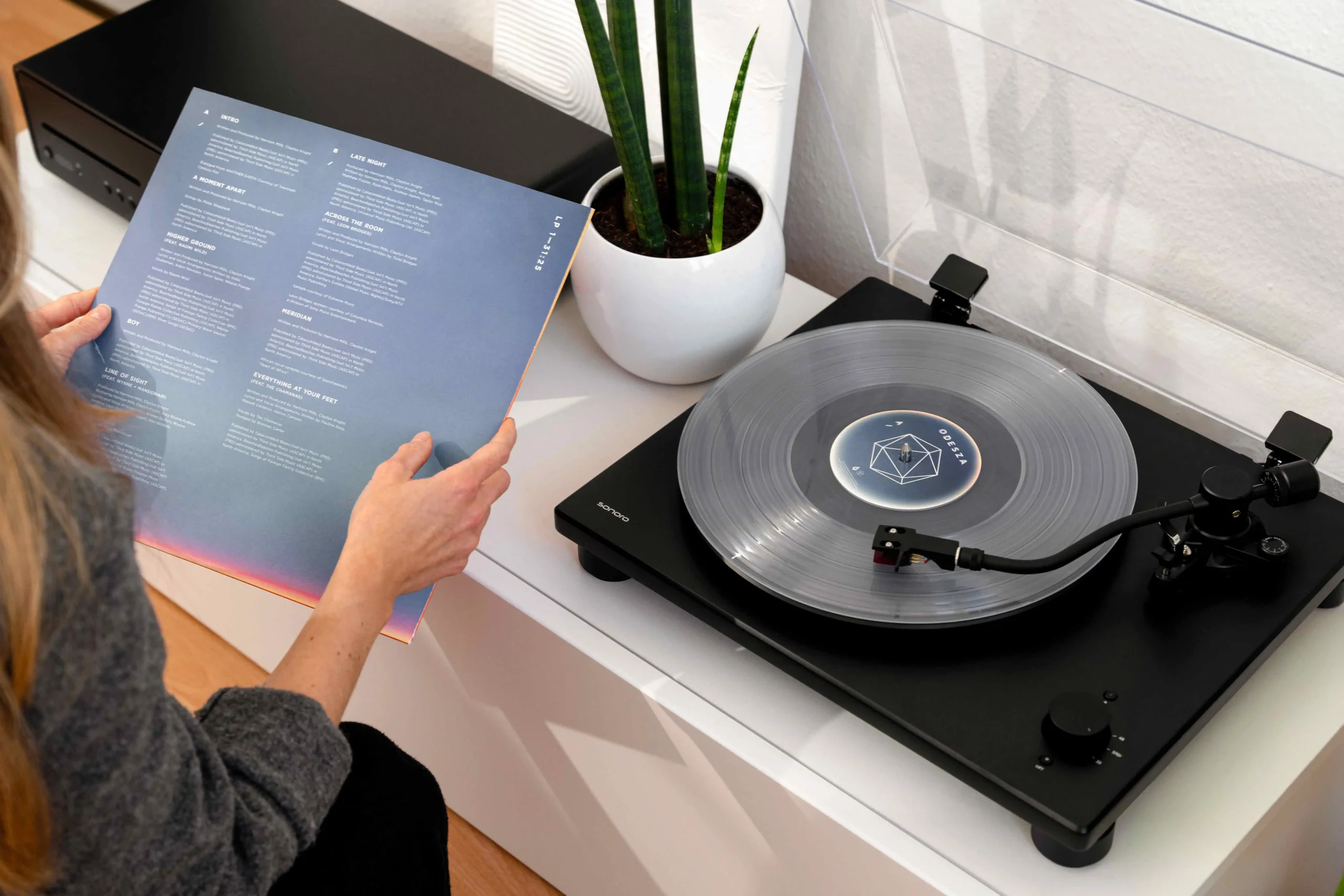
- Preparation: Make sure the amplifier switch on your turntable is set to ON. Then connect the turntable to your computer using the USB cable.
- Setting up the software: Open your recording software and select the USB Audio CODEC as the recording source. For best results, we recommend a sample rate of 44,100 Hz or 48,000 Hz at 16 or 24 bits.
- Start recording: Start recording in the software before playing the record. Turn the speed selector knob to the appropriate speed and let the record play.
- Post-processing: Remove silence at the beginning and end, split the album into individual tracks, and apply light noise reduction if necessary.
- Save: Export the finished tracks in your preferred format. WAV and FLAC offer lossless quality, while MP3 saves space.
Important tips for optimum recording quality
Clean your records thoroughly before recording. Dust and dirt can significantly impair the sound quality and cause additional cracking noises.
You should also not disconnect the USB cable or switch the turntable to standby mode during recording. This could interrupt the recording and lead to data loss.
Also check the condition of your pickup stylus. A worn stylus can have a negative effect on the sound and damage the record.
Preserve your music for the future
Thanks to modern technology, digitizing your record collection has become much easier. This allows you to preserve rare recordings,take your favorite albums with you wherever you go, and still enjoy the authentic listening experience of vinyl.
If you're looking for ahigh-quality turntable with a USB port, you'll find it in the Sonoro PLATINUM Automatic EAS an excellent choice. The turntable combines classic design with state-of-the-art technology, and its USB port makes it easy to digitize your record collection. With precise scanning, a high-quality cartridge, and elegant craftsmanship, it’s the ideal companion for anyone who loves vinyl and wants to enjoy the benefits of the digital world at the same time.
